Team and devices
Give staff their own PIN, approve which phones can open your account, and see every change in the activity log.
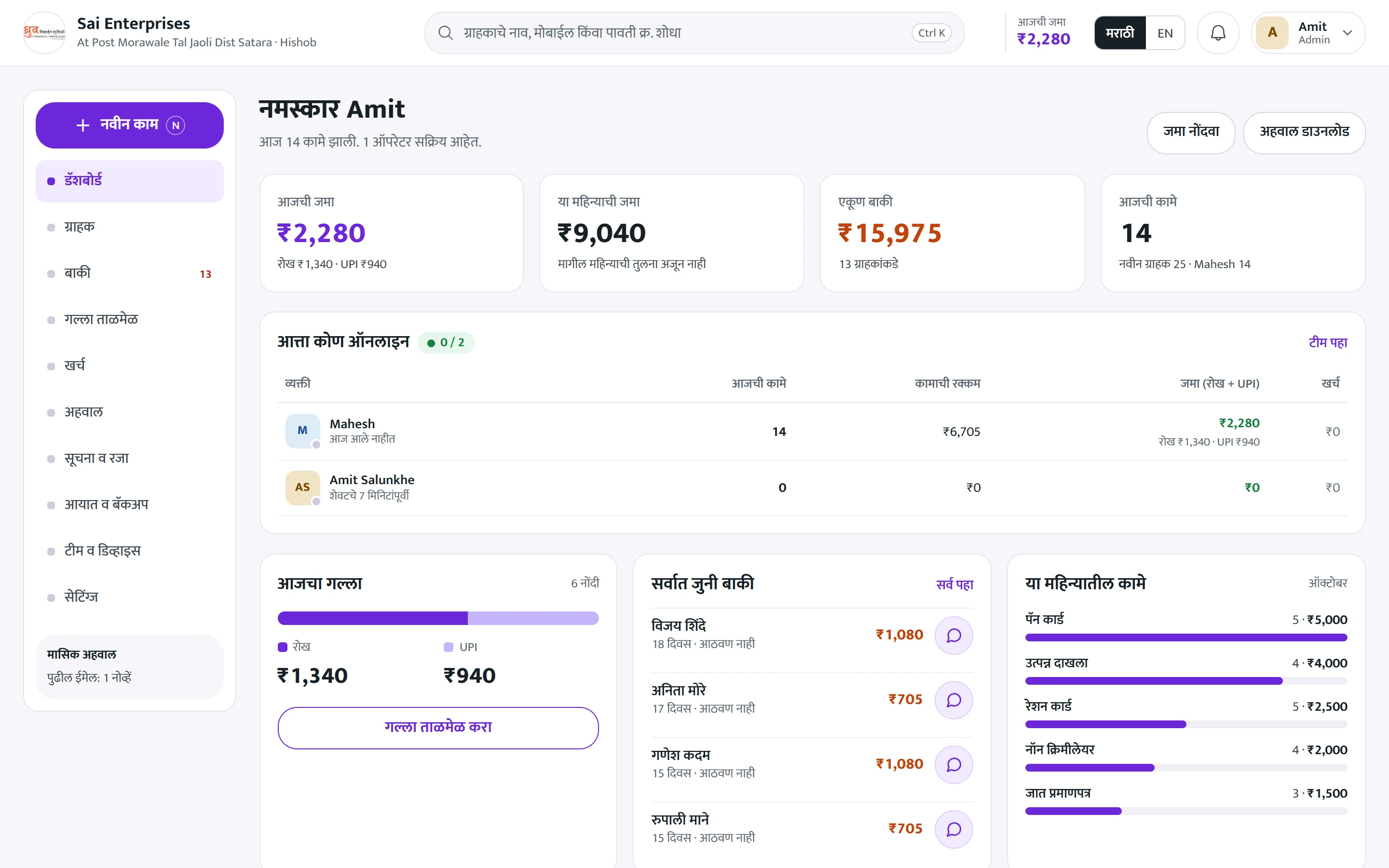
What you can do
Everything in Team and devices
Staff PINs
Each person logs in with their own PIN.
Device approval
Only approved devices can open Hishob.
Activity log
Every entry, edit and cancel is recorded.
Branches
Assign staff to a branch.
Notices and leave
Share notices and manage leave.
Roles
Owner and staff access.
How it works
Three steps, every day
- 01
Add a staff member
Give them a name and PIN.
- 02
Approve their phone
One tap from the owner's phone.
- 03
Watch the log
See who did what, when.
More in Hishob
New entry
Record any sale, service or job with amount and payment in seconds.
Explore moduleBaki and reminders
Every pending rupee in one list, with WhatsApp reminders.
Explore moduleCash tally
Close the day with cash and UPI that actually match.
Explore moduleKharch (expenses)
Every rupee that goes out, so you know your real profit.
Explore moduleStart your transformation
See how Hishob fits your business.
A free 30 minute demo call. We set up your rate list and show you a full day in Hishob.
- Your rate list loaded for you
- Training for your staff
- Support in Marathi